


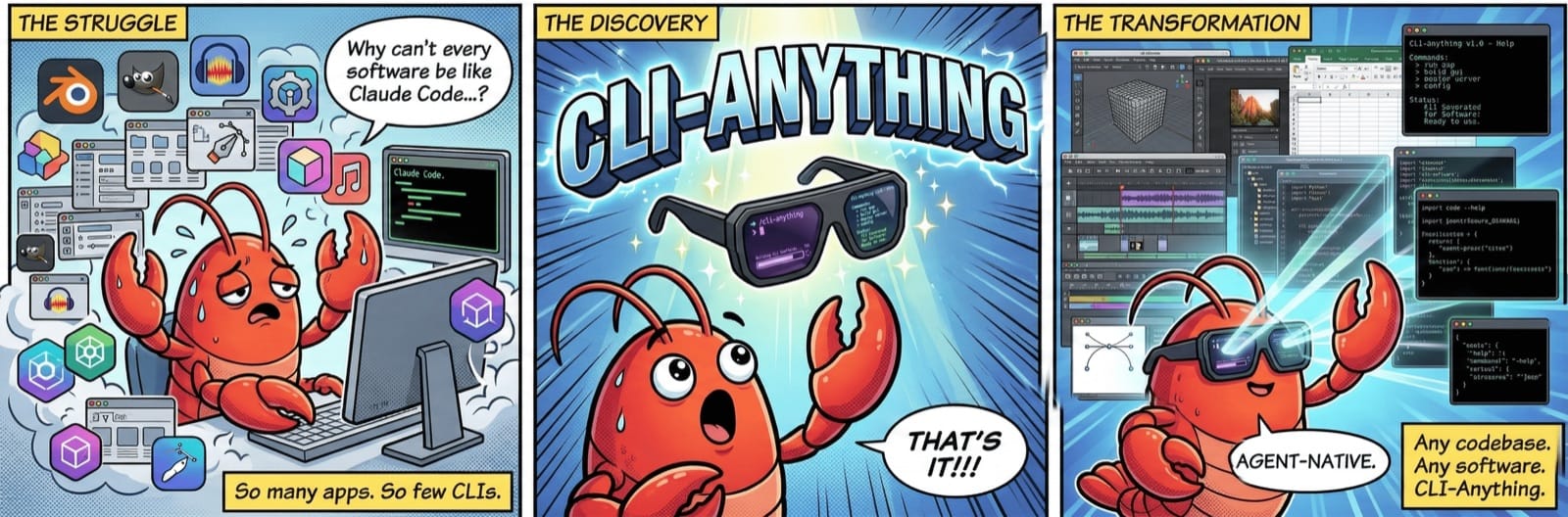
⭐ 58.3k • A registry and a generator that turn real desktop software into a command line agents can call
CLI-Anything gives a coding agent a command line for desktop software you already own. Install a ready-made CLI from its registry, or point its generator at a codebase and it writes a new one. The artifacts stay in the application's own file formats, so a designer can open them afterwards.
🚀 Quick Installation
Two entry points. The registry is the fast one. The generator is for software nobody has covered yet.
CLI-Hub (recommended)
pip install cli-anything-hub
cli-hub list
cli-hub install libreoffice
Generate a new CLI
# Claude Code marketplace
/plugin marketplace add HKUDS/CLI-Anything
/plugin install cli-anything

# Point it at source or a repository
/cli-anything ./gimp
Requirements: Python 3.10+, the upstream application installed (LibreOffice, draw.io, Blender), and a frontier model for generation. Apache-2.0. The hub route needs no account or API key.
🎯 What It Is
Each CLI is a stateful wrapper around the application's own scripting surface. Blender runs through bpy, its Python API. GIMP runs in Script-Fu batch mode. Inkscape writes SVG directly, then calls the inkscape binary to export. LibreOffice calls its headless binary.
The CLI keeps its own working state in a JSON file it owns. The finished artifact is whatever the application exports: a PDF from LibreOffice, a .drawio and a PNG from draw.io, a rendered image from Blender. Nothing gets reimplemented, so any filter the app supports is a filter the agent can use.
"We build structured interfaces TO software, not replacements." — the repository's README
Every command prints a readable table by default and structured JSON when you pass --json. One run leaves three artifacts behind. The CLI's state file. The exported native file. And the JSON on stdout, which the agent reads to decide its next move.
The registry lists 79 CLIs this project built, plus 24 third-party tools. Coverage runs from Blender, Inkscape and GIMP to OBS, Joplin, Zotero and QGIS.
⌨️ What You Actually Type
A short session turns a blank document into a real PDF. The commands and output are the repository's own, condensed and wrapped to fit this column.
$ cli-anything-libreoffice document new \
    -o report.json --type writer
✓ Created Writer document: report.json

$ cli-anything-libreoffice --project report.json \
    writer add-table --rows 4 --cols 3
✓ Added 4×3 table

$ cli-anything-libreoffice --project report.json \
    export render output.pdf -p pdf
✓ Exported: output.pdf (42,831 bytes)
  via libreoffice-headless

$ cli-anything-libreoffice --json \
    document info --project report.json
{"name": "Q1 Report", "type": "writer",
 "pages": 1, "elements": 2}
Nobody watches a window during any of that. The agent reads JSON, checks the exit code, and confirms the file exists before it moves on.
🧊 Watching It Work
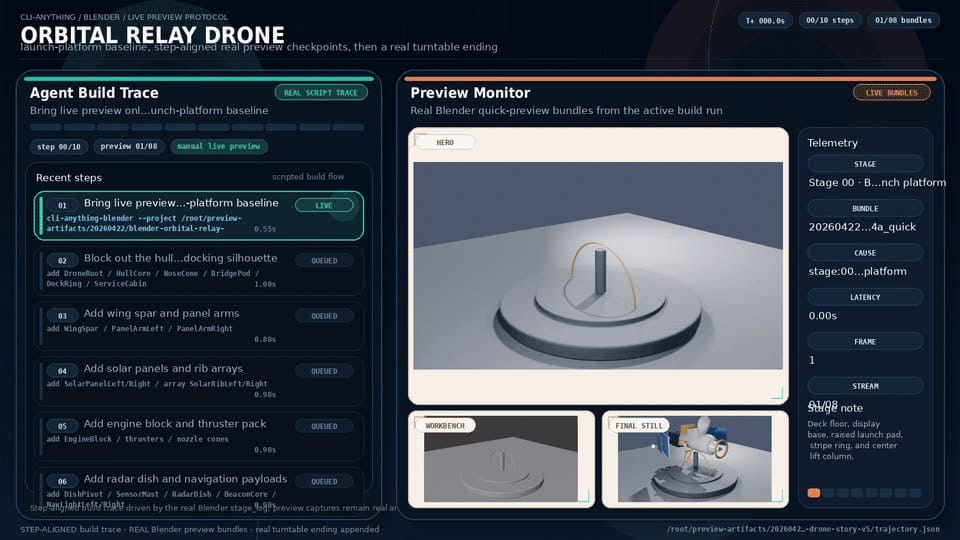
Blender is the harder case, because the output is visual. In the drone demo the agent renders a preview after each build step, reads the result, and continues from what it sees. The run keeps a timeline that links each command to the frame it produced.
⏱️ Two Clocks
First working run, registry route. Three installs — the hub, one CLI, the application it drives — then a command. Ten minutes, assuming the application is already on the machine.
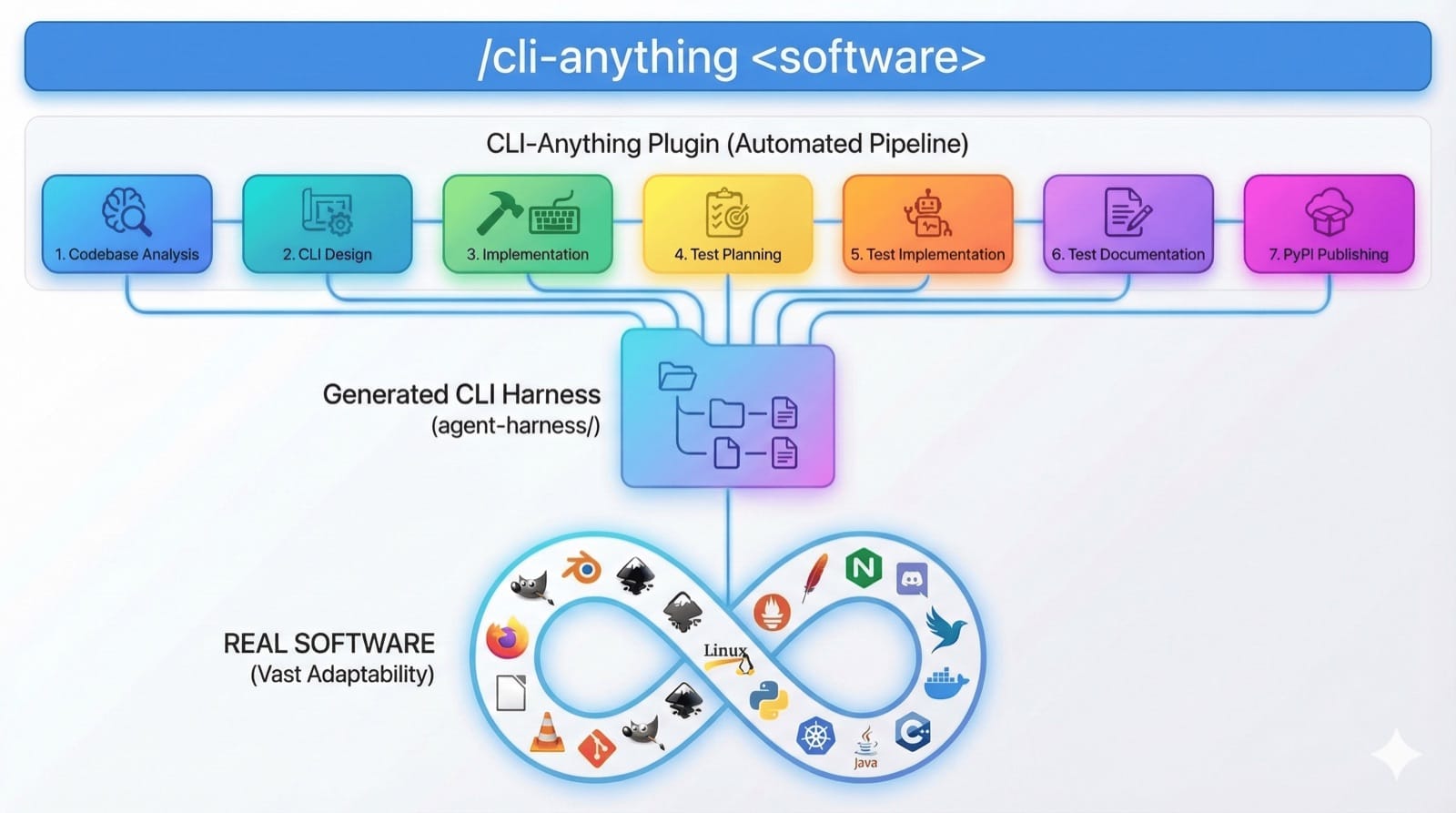
First working run, generator route. The slow half. Seven phases, from codebase analysis to a pip-installable package. The README warns that one pass rarely covers everything, so budget an afternoon and one or two /refine rounds against the gaps it lists.
Time to trust it. The test suite runs in minutes and fails rather than skips when a backend is missing. The Blender CLI ships 208 tests, the LibreOffice CLI 158. A week on copies of real project files is a recommendation, not a measurement.
🎨 What It Changes for a Design Team
Native files are the point. An agent that exports a .drawio file hands the designer an editable working file. An agent that hands over a screenshot stops the work there.
It also removes the fragile half of GUI automation. There is no coordinate clicking, and no waiting for a window to appear. The agent talks to the scripting interface instead of the pixel grid.
⚖️ Use It / Skip It
| Situation | Verdict |
|---|---|
| You want an agent to operate a tool the team already uses | Use it — install the ready-made CLI |
| Your internal tool has source code and no API | Use it — the generator is built for this |
| You only have a compiled binary | Skip it — coverage drops sharply without source |
| You want a small local model to build the CLI | Skip it — generation expects a frontier model |
| The upstream application cannot be installed on the machine | Skip it — calls go to the real backend, with no fallback |
🏁 Conclusion
Start with the registry, not the generator. Install the hub, install one CLI, install the application it drives, then run the four commands above on a file you know.
If the output opens in the real application, the approach fits your workflow and you spent ten minutes finding out. A generated CLI earns trust because its tests fail loudly when a backend is missing. That is the property that lets an agent run unattended.
